 게임픽허브
게임픽허브







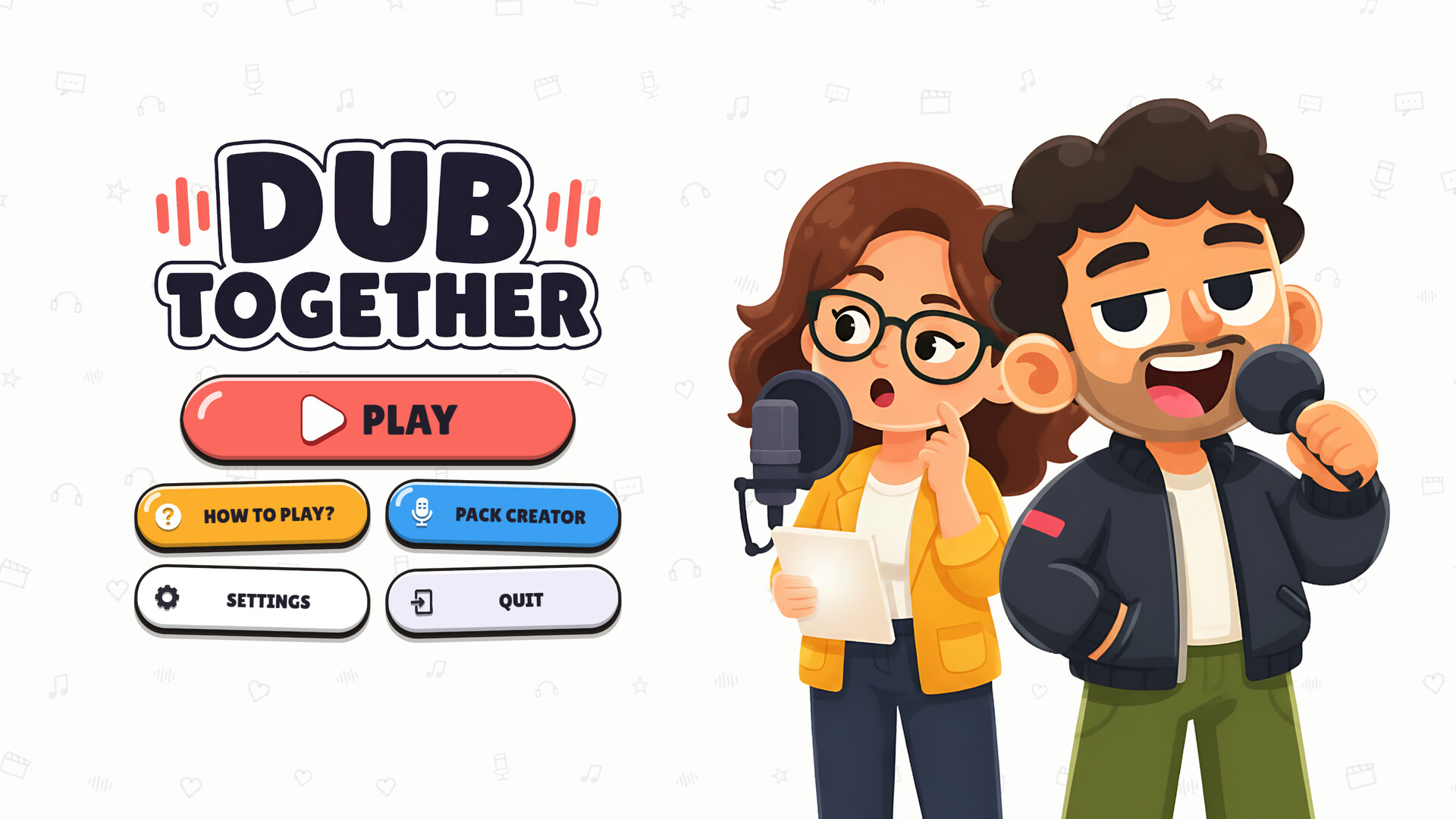
Dub Together
Up to eight players redub video clips and give them a whole new meaning. You record the scene, then watch every result together and vote. With voice effects, a built-in clip editor and live voting from your Twitch chat.
한눈에 보는 평가
● 좋은 점
- 유저 평가 "매우 긍정적" (93% 추천)
- 저사양 PC에서도 실행 가능 (최소 메모리 4GB)
● 아쉬운 점
- 한국어 미지원 — 외국어로 플레이해야 합니다
이런 분께 추천해요
- 가볍게 짧게 즐길 게임을 찾는 분
- 개성 있는 인디 게임을 찾는 분
평가는 스팀 유저 평가, 메타크리틱 점수, 언어 지원, 가격, 사양 데이터를 바탕으로 자동 정리했습니다.
플레이어 리뷰 분석
스팀 리뷰 46개(한국어·영어·일본어·중국어)에서 각 요소가 언급된 횟수 · 이 중 48%가 추천
- 그래픽👍 4 👎 8
- 콘텐츠 분량👍 5
- 가격👍 0 👎 4
- 분위기·몰입👍 0 👎 4
리뷰에 해당 단어가 나온 횟수를 센 것으로, 칭찬인지 비판인지는 그 리뷰의 추천 여부로 나눴습니다.
“DubTogether is funny, especially if you change the subject, what the characters say. BUT why is the cover fricking AI?”
게임 소개
In Dub Together you redub video clips together. Up to eight players speak their lines into their own microphone and turn a scene everyone knows into something completely new.
Once all the recordings are done the curtain goes up and you watch together what came out of it.
Parallel Mode: Everyone dubs the same clip
Everyone gets the same clip and makes their own version of it. At the end you pick the best one.
1. Record
The clip plays without the original voices. You see your text and speak it to fit the scene, line by line, without hearing what the others are making of it.
2. Watch
The curtain goes up and you watch every version in turn over the original picture.
3. Vote
Everyone picks a favourite. The best version goes on the podium. Afterwards every version can be saved as a video.
Character Mode: Everyone voices one role
Instead of eight separate versions you end up with a single one that everybody worked on. Two players or more.
1. Assign the roles
Every character in the clip gets one performer. Roles nobody takes keep their original voice.
2. Record together
You go through the lines together. Whoever is up speaks, the others watch. That way the dialogue grows out of the conversation instead of running side by side.
3. Watch
You watch your shared version in one piece and save it as a video. There is no vote here, there is only one result.
This goes for both modes: a recording you are not happy with, you simply do again, as long as the round timer is running.
Give your voice a new sound
You can pick a voice effect for every single line. Turn into a squeaky voice with Chipmunk, into a villain with Monster, or make things even more absurd with Echo, Robot and Phone.
The effects are applied straight to your recording. On playback everyone hears exactly the version you performed.
A built-in noise filter removes background noise between the sentences and makes sure that simple microphones still come out clean.
Turn your own clips into rounds
The Pack Creator turns your own videos into playable rounds.
Just drop a clip in and trim it down to the part you want. The spoken parts are detected automatically and the matching text is written for them. Speech, music and background sound are separated from each other, so the atmosphere of the scene stays in while you replace the voices.
Finally you assign a character to each line, export the pack and can play it right away.
Share your packs on the Steam Workshop
Upload your finished packs to the Workshop with one click, or subscribe to other people's. Whatever you subscribe to shows up in your list right away, no restart needed.
If a player is missing the pack for the round, their game pulls it in by itself when the round starts. Nothing has to be sent back and forth.
For streamers and their community
Connect your Twitch channel and let your chat decide along with you.
Viewers vote for their favourite performance with !vote or simply the number, and get to influence who wins the round. Streamer mode also hides the lobby code on screen so nobody drops into your session uninvited.
At a glance
Online multiplayer for up to eight players
Two modes: Parallel with a vote, Character with fixed roles
Join through the Steam friends list or with a lobby code
Your own voice recordings with six different voice effects
Automatic speech and text detection for your own clips
Steam Workshop for sharing and subscribing to packs
Twitch integration with viewer votes
Export the finished dub as a video
Light and dark theme
Packs made by players
Dub Together ships with a Pack Creator, and players share their packs through the
Steam Workshop. Those packs come from the players themselves and live on Steam's
servers, not on ours.
You may only upload material you hold the rights to. For films, shows or music by
others you need permission from the rights holders. If you spot a pack that does
not belong there, report it on its Steam page or write to [email protected].
We will look into it.
One pack ships with the game: an excerpt from Sprite Fright by Blender
Studio, used under CC BY 4.0.
출처: Steam 상점 페이지 (개발사·배급사 제공 소개문)
PC 사양
최소
64비트 프로세서와 운영 체제가 필요합니다
운영 체제: Windows 10 64-Bit
프로세서: 4 Kerne, 2,5 GHz
메모리: 4 GB RAM
그래픽: Vulkan capable GPU with 1 GB, GeForce GTX 750 or Radeon RX 460 and up
저장 공간: 2 GB 사용 가능 공간
권장
64비트 프로세서와 운영 체제가 필요합니다
운영 체제: Windows 11 64-Bit
프로세서: 6 cores, 3.0 GHz
메모리: 8 GB RAM
그래픽: Vulkan capable GPU with 2 GB
저장 공간: 5 GB 사용 가능 공간
이 게임을 좋아했다면
스팀 태그가 많이 겹치는 평가 좋은 게임







정보 갱신일: 2026년 10월 27일 · 출처: Steam